Zapier vs Make Billing: Run the Unit Math Before You Switch (2026)
Zapier and Make bill different units — successful action steps versus module executions plus polling checks — so the right answer to “should I migrate?” is arithmetic on your own workflows, not a brand verdict. This guide runs the math on a worked example with current plan prices and billing rules, and shows where each platform’s free steps move the total.
By the NoCodeInsider research desk. Every price and billing rule below comes from Zapier’s and Make’s official pricing and help pages, checked on October 16, 2026 — the monthly polling counts are our own arithmetic. We did not run either tool hands-on.
Is Make Actually Cheaper Than Zapier? Do the Math First
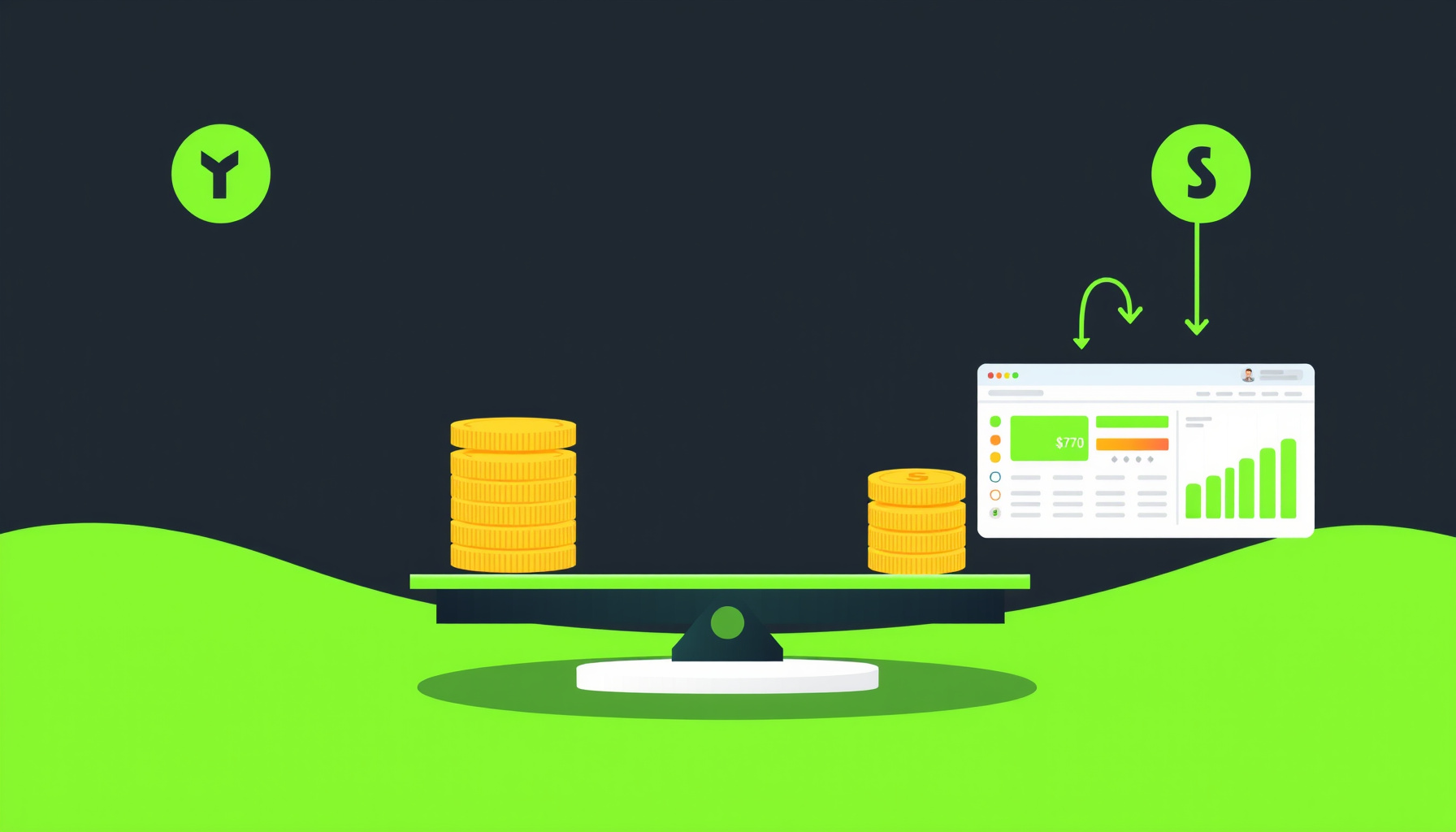
Neither tool is universally cheaper. Zapier bills tasks — successful action steps. Make bills credits — module executions plus polling checks, each check billed per operation. The units are not comparable one-to-one, and the free steps each platform includes push the totals in opposite directions.
A workflow that looks lean in one unit can be heavy in the other. The claim that one tool is universally cheaper is really a claim about your step mix — and your step mix is something only you can count.
Background: How Zapier and Make Actually Bill You
Zapier’s tiers (from Zapier pricing):
- Free: $0/month, 100 tasks/month, two-step Zaps only.
- Professional: starting from $19.99/month as displayed on Zapier’s pricing page (annual billing saves 33%). Multi-step Zaps, polling every 2 minutes.
- Team: starting from $69/month, 25 users, polling every 1 minute.
- Enterprise: contact sales.
The pricing page lists task tiers from 100 up to 2M tasks per month, with the price rising at each tier — select your task volume there for the dollar price. The separate task rates page documents usage rates instead: how many tasks an AI step, a code run, or an MCP call consumes.
Make’s tiers (from Make pricing, as displayed at the page’s default slider setting; the page has a monthly/annual toggle and a “Save 25%” badge on paid plans — check which mode you’re viewing before comparing):
- Free: $0/month, 1,000 credits/month, 15-minute minimum interval between runs.
- Core: $12/month, with additional credits at $1.20 per 1,000.
- Pro: $21/month, additional credits at $2.10 per 1,000.
- Teams: $38/month, additional credits at $3.80 per 1,000.
- Enterprise: custom.
Every 10,000 credits also carries a usage allowance: 5 GB data transfer, 10 MB data storage, and 667 webhook queue slots.
One terminology note before you read Make’s help pages: credits replaced operations as Make’s billing unit, and for non-AI apps one operation equals one credit — AI and usage-based modules can consume more (per Make’s credits page).
Head-to-Head Cost Math: Tasks vs Credits
Zapier’s cost driver is successful action steps multiplied by runs — filters, paths, and formatting are free. Make’s cost driver is module executions multiplied by bundles, plus a polling trigger billed as 1 operation per check, regardless of bundles returned. The same workflow shape can land very differently on the two bills.
Zapier’s task rule (from How task usage is measured in Zapier):
- Each successful action step = 1 task.
- 0 tasks: triggers, Filters, Paths, Formatter, Delay, Looping, Digest, Storage, Tables, and Forms. (The Sub-Zap app itself is free to use, but the Call a Sub-Zap and Return From a Sub-Zap steps each cost 1 task.)
- Failed action steps do not count.
- Steps re-run during a full Zap replay do count.
- A Search action set to “proceed if nothing found” = 1 task. Usage-based steps bill differently: Zapier MCP is 2 tasks per successful tool call, Lead Router is 5 tasks per lead routed, and AI by Zapier depends on the selected model tier (per Zapier’s task-usage documentation).
- Polling triggers never use tasks.
- Zapier’s own worked example confirms the method: a Zap with 2 action steps that runs 10 times = 20 tasks.
Make’s credit rule (from Make credits and Make operations):
- Most app module actions = 1 credit; some AI-provider features can use more.
- Router = 0 credits. Error handler modules = 0 credits — Make’s pricing FAQ lists Rollback, Break, Resume, Commit, and Ignore; its error-handlers help page lists Skip, Retry, Resume, Commit, and Rollback.
- A polling trigger check costs 1 credit per check: the operations help page shows a trigger module (Google Sheets “Watch New Rows”) counted as “1 operation (one per check)”, regardless of the number of bundles returned, and the credits page states “1 operation equals 1 credit” for non-AI apps. Zapier’s polling triggers never use tasks.
- Iterator and aggregator patterns cut both ways: each bundle a downstream module processes costs 1 credit, but an aggregator that collapses many bundles into one reduces the total — Make’s operations page shows a Text aggregator dropping one run from 11 operations to 3.
The hidden asymmetry
A naive “tasks versus credits” comparison misses the free steps. On Zapier, Formatter, Filter, Paths, Digest, Storage, and Tables all cost zero tasks. On Make, the Router and the five handler modules cost 0 credits, while transforms using built-in tools, aggregation and iteration each consume credits. A Zap that is mostly Formatter, Filter and Paths steps pays tasks only for its action steps — utility-heavy Zaps are where the two bills diverge, and the checklist below uses the Zapier free-steps list.
The mirror image is real too: error handlers. Make’s FAQ lists five handler modules — Rollback, Break, Resume, Commit, Ignore — at 0 credits (its error-handlers help page names a partially different set without pricing them), while Zapier bills successful action steps inside a handler path as tasks; on both platforms, work modules in the route cost.
The worked example
Scenario: a 4-action workflow, 1,000 runs per month, one polling check per run, no filters.
| Billing math | Monthly total | |
|---|---|---|
| Zapier | 4 action steps × 1,000 runs (trigger = 0 tasks) | 4,000 tasks |
| Make | (1 trigger check + 4 modules) × 1,000 runs | 5,000 credits |
On a like-for-like workflow, Make bills the trigger check Zapier doesn’t: 5,000 units to Zapier’s 4,000. Make Core’s $12 plan — as displayed at the pricing page’s default slider setting — includes 10,000 credits, so 5,000 credits fits inside it. Zapier prices per task tier — the tiers step from 2K to 5K, so a 4,000-task workflow prices at the 5K tier, whose dollar price comes from the selector on Zapier’s pricing page. This comparison is therefore in units, not dollars, on the Zapier side. Note what that assumes: one polling check per run. Real polling is interval-driven, and the check count is the arithmetic that matters: a trigger checking every 15 minutes runs about 2,880 checks a month — already more than Make Free’s 1,000 credits — and paid plans allow 1-minute polling, about 43,200 checks. Each scheduled check is billed as an operation, so a frequently-polled scenario spends its allowance on checks rather than work, while Zapier’s Professional polls every 2 minutes at no per-check charge.
Whether the switch saves money then depends on the price per unit on each platform’s relevant tier — Zapier’s task tiers are priced per volume on Zapier’s pricing page, while Make Core includes 10,000 credits for $12 — and on your step mix. This one example is the method, not a verdict.
Make’s pricing FAQ lists the Router and five handler modules as exceptions to credit billing (the sources don’t price Make filters either way); Zapier bills successful steps in a handler path as tasks.
Migration Friction: What Breaks When You Move
Re-count your steps as Make modules rather than translating task-for-credit, and map Paths to Routers (free) — but expect cost shifts: Zapier’s free Formatter-style transforms may become billable Make modules (Make charges for modules that transform data using built-in tools). Make’s Free plan lists Routers & filters, and higher tiers include everything in Free.
A rebuild checklist that doubles as the cost audit:
- List every Zap you plan to move, with its trigger type and step count.
- Mark which steps are Zapier-free utilities (see the list above) — each is a candidate to become a credit-billing module on Make.
- Note each trigger’s poll frequency and convert it to checks per month — under Make’s per-check billing, that is your trigger cost whether or not runs fire.
- Count error-handler steps. The five handler modules listed in Make’s pricing FAQ cost 0 credits, while Zapier bills successful steps inside a handler path.
- Total the projected credits against the plan allowances above — then rebuild scenario by scenario, re-counting after the rebuild, not before.
What changes in practice:
- Aggregators can cut a run’s total (the operations page’s 11-to-3 example), while iterators multiply it — re-count bundles after the rebuild; some AI-provider features can use more than 1 credit.
- Trigger style matters as much as step count: Zapier instant triggers (webhook-based) avoid polling entirely, while Make bills each webhook read as an operation.
Plan the rebuild as the moment you re-count steps, scenario by scenario.
Verdict: When to Switch, When to Stay on Zapier
Stay on Zapier when:
- Your Zaps lean on the free utility steps listed above, keeping your task count far below what the same logic would cost as Make module executions.
- Volume is low and the Professional tier starting from $19.99/month already covers you (annual billing saves 33%), with 2-minute polling at no per-check charge.
- You want 100 free tasks per month on the Free plan for two-step Zaps and are not ready to commit.
- Your triggers poll frequently: each scheduled Make check consumes an operation credit where Zapier’s would be free.
Consider Make when:
- You run genuinely low-volume scenarios: Make’s Free plan carries 1,000 credits/month — a different unit, not a like-for-like number with Zapier’s 100 tasks, and by our own polling arithmetic a single 15-minute poller would spend about 2,880 credits/month, so webhook-triggered designs (each webhook read billed as an operation) or rarely-firing schedules are what fit. Core includes 10,000 credits for $12.
- Your branching logic leans on the free pieces: Make’s pricing FAQ lists its Router and five handler modules at 0 credits, so branch structure itself need not add credits.
- Scheduled-scenario granularity down to the minute matters on paid tiers (Make Core; note Zapier’s Team plan also polls every 1 minute).
So the concrete check: for each of your ten busiest Zaps, count its action steps and its trigger checks per month under both platforms’ billing rules — then compare against each plan’s allowance before you announce a migration. Zapier’s 5K-tier dollar price comes from the selector on its pricing page.
FAQ
Does a Zapier filter step count as a task?
No. Filters cost 0 tasks, as do Paths, Formatter, Delay, Looping, Digest, Storage, Tables, and Forms. Only successful action steps count — 1 task each — and failed actions do not count. One exception to the free list people expect: the Call a Sub-Zap and Return From a Sub-Zap steps each cost 1 task. The one search-related exception: a Search action set to “proceed if nothing found” counts as 1 task. This comes straight from Zapier’s task-usage help article.
Does a Make polling trigger cost credits on every check?
Make’s operations help page counts a trigger module as “1 operation (one per check)”, regardless of the number of bundles it returns, and the credits page states “1 operation equals 1 credit” — so each scheduled check costs 1 credit. The direct contrast is Zapier, where polling triggers never use tasks. See Make’s operations page.
Where to go next: the Make getting-started guide walks a first scenario, the Make review covers the platform end to end, and n8n vs Zapier vs Make adds the third option to the same cost lens.
Sources
The billing rules, prices, and quoted lines in this post come from these official pages, checked on October 16, 2026 (the monthly polling counts are our own arithmetic; Zapier’s tier dollar prices are on its pricing page, and its rates page documents usage rates):
- Zapier pricing
- Zapier task rates
- How is task usage measured in Zapier
- Make pricing
- Make credits
- Make operations
📖 Related Reads
- ToolBrain — tool reviews, LLM comparisons, and AI workflow guides
Cross-links automatically generated from NoCode Insider.