Build Log: Rebuilding a Zapier Zap in n8n (Without Writing Code)
This guide is assembled from official documentation and community reports — we did not run this build ourselves.
No timings or savings figures here come from personal testing. Every price and limit links to the official Zapier or n8n page it came from, and the figures were read from those pages on 2026-10-13. Pricing changes often, so check the linked pages before making a budget decision.
Why Rebuild a Zap in n8n at All?
A common reason to move a Zapier Zap into n8n is how the two platforms bill. Zapier’s pricing page says each successful action uses one task, and some actions use more. n8n’s pricing page describes charging for full workflow executions, not per step. Self-hosting the free Community Edition is also an option, documented in n8n’s hosting docs. Whether that changes your bill depends on your volume and your plan tier.
How Zapier and n8n Compare on Cost and Limits
The two platforms meter work differently. The table summarizes the structural differences and the list-price figures read from each pricing page on 2026-10-13.
| Dimension | Zapier | n8n | Source |
|---|---|---|---|
| Billing model | Per task; plan-tier quotas | Per workflow execution on hosted tiers; Community Edition self-hosted is free | Zapier pricing, n8n pricing |
| Hosting | Vendor cloud only | Cloud or self-hosted | n8n self-hosting |
| App directory | Thousands of pre-built integrations in the Zapier app directory | Node library plus HTTP Request / Code nodes for everything else — see n8n docs | Both vendor pages |
| Data control | Workflows and data flow through Zapier infrastructure | Dashboards and executions run on your infrastructure when self-hosted | n8n hosting docs |
| List-price entry point | Free: 100 tasks/mo, two-step Zaps only; Professional from $19.99/mo | Starter $20/mo billed annually, 2.5K executions; Pro $50/mo billed annually, 10K executions | Zapier pricing, n8n pricing |
| Self-hosting limits | Not available (vendor cloud) | Community Edition free; Business plan (40K executions/mo) is self-hosted only per the pricing page | n8n pricing |
Figures change, so verify them on the linked pages before you decide. The structural difference is what matters most: Zapier meters tasks, and n8n meters executions.
The Build Walk-Through: Rebuilding a Typical “Form → CRM/Spreadsheet → Notification” Zap
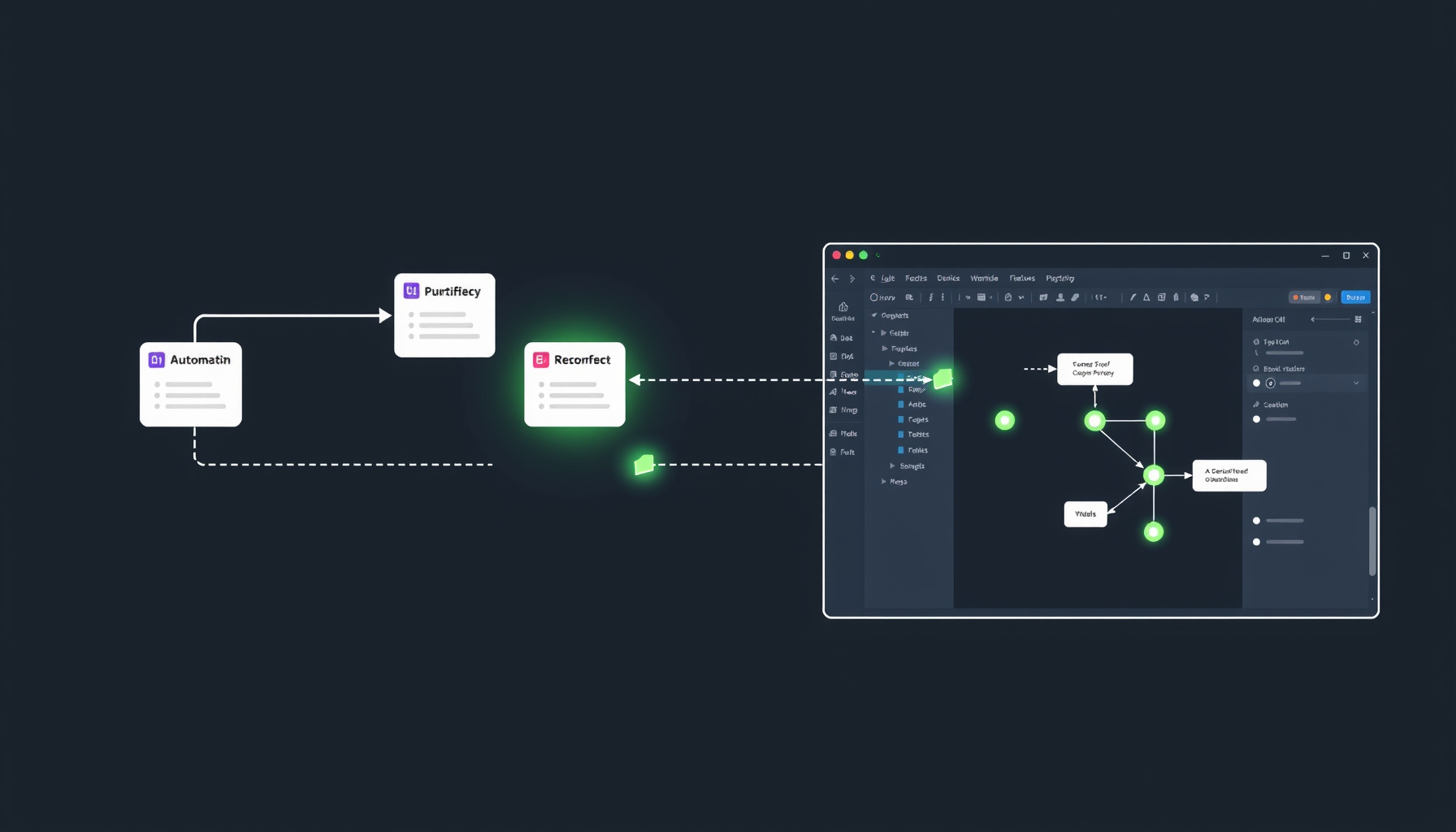
This walk-through maps a representative multi-step Zap — trigger on a new record, enrich or transform the data, write to a destination, and send a notification — as an n8n workflow using the Trigger node, Edit Fields node, Airtable node, and a notification node. Each Zapier step is mapped to its n8n equivalent in prose below, with links to the relevant n8n documentation.
1. Trigger migration
In Zapier, the workflow begins with a Trigger step that watches an external service for changes. The n8n equivalent is a Trigger node, and the same conventions around polling versus instant delivery apply — n8n’s workflow triggers documentation describes both styles and how intervals are set. For an Airtable source, the Airtable Trigger node is the built-in starting point; check its documentation for the polling behaviour before relying on it.
2. Data mapping and transformation
In Zapier, the next steps are typically Formatter steps (to rename fields, coerce types, or compose strings) and Filter steps (to branch on conditions). In n8n, those map to the Edit Fields (formerly Set) node for transformations and the IF node for branching, both of which are documented under flow logic and the data structure documentation. The mapping reads roughly as: Zapier’s Formatter → n8n’s Edit Fields node, and Zapier’s Filter → n8n’s IF node. n8n expressions use their own syntax, so test each transformation on sample data before migrating. Working through a few example transformations in the data structure docs before migrating your real data is worth the time.
3. Destination write
Zapier’s action step writes to the destination — for an Airtable-style rebuild, that maps to n8n’s Airtable node, which exposes Append, Delete, List, Read, and Update operations. Authentication is handled through n8n’s credentials system, described in the credentials documentation, which stores API tokens and OAuth scopes in a reusable object that the node references. For the underlying API contract and any service quirks — record ID formats, formula filters, attachment handling — the Airtable API introduction is the authoritative reference. When the built-in node does not support the exact call you need, the HTTP Request node is the documented fallback.
4. Notification and error handling
For the notification tail — the Slack message or email that confirms the write happened — Zapier’s action step maps to a Slack or Email node in n8n, again authenticated through credentials. The bigger change in philosophy is around failure handling: n8n documents error workflows as a dedicated concept under flow logic error handling. Configuring a dedicated error workflow that catches failures from the main workflow and routes them to a notification channel is the documented n8n pattern for the same operational concern Zapier handles in the background.
Where This Migration Usually Breaks (Failure Modes)
Community reports and official docs converge on a small set of recurring failure modes when people port a Zap to n8n. None of these are sourced from personal testing; they are the patterns the documentation and forum threads surface again and again.
Trigger and polling mismatches. Zapier’s managed polling cadence differs from n8n’s per-node polling interval, and the way each platform reports “missed” or “duplicate” events is not identical. The behavior of these triggers is described in n8n’s workflow triggers documentation, and a frequent pitfall is the new workflow counting events differently when moved across. Plan for a parallel-run window where the new workflow is observed rather than trusted.
Credential and permission errors. A frequent failure on destination services is an OAuth scope mismatch: the credential was set up for read-only scopes, or the personal access token does not include the scopes the destination service requires. n8n’s credentials documentation walks through the setup flow, and the destination service’s own support pages — for example, Airtable support — describe the scopes and permission model. The fix is almost always on the destination side, not the n8n side.
Self-hosting operations. This is the failure mode Zapier users most underestimate. Where Zapier abstracts away upgrades, HTTPS certificates, and database backups, a self-hosted n8n instance owns all of those. The hosting documentation and Docker installation docs describe the moving parts: Docker Compose for production, database backing, HTTPS termination, and upgrade paths. Anyone migrating off Zapier’s managed infrastructure inherits that work; treating it as optional is a common mistake.
FAQ
Is n8n really free?
Partly. The Community Edition is free to self-host, as described in n8n’s hosting docs. Hosted plans are paid, starting at $20/mo billed annually for Starter per n8n’s pricing page, and n8n offers a free trial. Self-hosting is free in license terms, but you pay for the server and the time to run it.
Do I have to self-host n8n?
No. n8n offers a managed cloud option, documented under n8n’s cloud overview, in addition to the self-hosted Community Edition and paid tiers. The trade between cloud and self-host is operational responsibility versus per-execution billing, and the pricing page shows the current tier boundaries.
Can I run Zapier and n8n side by side while I migrate?
Yes, and this is a practical approach. Keep the Zap off between verification windows — Zapier’s help center article on Zapier Manager says you can have Zapier Manager “turn a Zap in your account on or off” — and run the n8n workflow against a sandbox or copy of the destination until the behavior matches. Only then turn the n8n workflow on and turn the Zap off.
How This Guide Was Built
This guide is assembled from official documentation and community reports — we did not run this build ourselves. The claim about per-task versus per-execution billing traces to Zapier’s pricing page and n8n’s pricing page. The trigger, IF, conditional, and error-handling descriptions trace to the corresponding n8n flow logic and error handling docs. The destination node description traces to the Airtable node documentation and Airtable’s API introduction. The self-hosting claims trace to n8n’s hosting docs and Docker installation docs. The failure modes are drawn from the patterns those same pages and the surrounding forum threads surface, not from a personal build. Every cited URL should be spot-checked by the reader before acting on it, since both vendors revise their pricing and quotas over time.
The Bottom Line
For small-business operators whose Zapier bill scales with task count, n8n offers a credible exit path: a visual, node-based editor with a self-hosted option that changes the cost equation structurally. The trade is operational responsibility: you take on Docker upgrades, HTTPS, and backups if you self-host. Migrate one non-critical Zap first, run the two workflows side by side with the Zap paused between checks, and expand from there. To judge the net effect on your bill, compare your monthly task count with n8n’s monthly execution allowance on the pages linked above.