Supabase vs Xano: Best No-Code Backend 2026
Supabase vs Xano in 2026 comes down to a simple question: do you want raw PostgreSQL power with a lower price, or a visual API builder that handles compliance out of the box? Supabase wins for developers and budget-conscious builders, while Xano wins for non-technical teams that need SOC2 without a $599/mo plan. Here is the verdict upfront: pick Supabase if you can write SQL or want to save money; pick Xano if you need a fully visual workflow and built-in enterprise compliance at a mid-tier price. For a deeper look at similar tools, see our no-code tool comparisons.
How We Tested
This review is based on official documentation, pricing pages, and community reports — we did not run the tool hands-on. We used vendor pricing pages for exact dollar amounts (Supabase pricing, Xano pricing) and official docs for feature claims (Supabase docs, Xano docs). We did not test enterprise features, paid-tier hands-on usage, or real-world performance under load. Last reviewed: August 2026.
Supabase vs Xano for No-Code Backend: Which Should You Pick?
The short answer: Supabase is the better default for most projects because it costs less at every production tier and gives you full SQL access, while Xano is better if you want to avoid SQL entirely and need SOC2 compliance without paying $599/mo. Your choice depends on whether you value raw database control or visual abstraction. Both platforms run on PostgreSQL and offer authentication, realtime, and AI capabilities — the difference is how much code you need to write.
Pricing Comparison
Supabase is significantly cheaper at the entry production tier — $25/mo vs Xano’s $85/mo — but Xano bundles SOC2 and GDPR into that price, while Supabase requires a $599/mo Team plan for those certifications. For a solo developer or early-stage startup, Supabase’s Pro plan is the better value. For a B2B team that needs compliance paperwork, Xano’s Essential plan is cheaper than Supabase’s Team plan.
| Feature | Supabase Free | Supabase Pro | Xano Free | Xano Essential |
|---|---|---|---|---|
| Monthly cost | $0 | $25 | $0 | $85 |
| Database | 500MB | 8GB | 100K records | Unlimited (dedicated infra) |
| Auth users | 50K MAU | 100K MAU (then $0.00325/MAU) | Auth via Xano auth system | Same, no rate limits |
| Egress | 5GB | 250GB | Rate-limited (10 req/20s) | No rate limit |
| Backups | None (paused after 1 week inactivity) | Daily, 7-day retention | Not specified | 7-day |
| Compliance | Community support | Email support | Watermarked storage | SOC2/ISO/GDPR |
| Source | Supabase pricing | Supabase pricing | Xano pricing | Xano pricing |
Features and Architecture
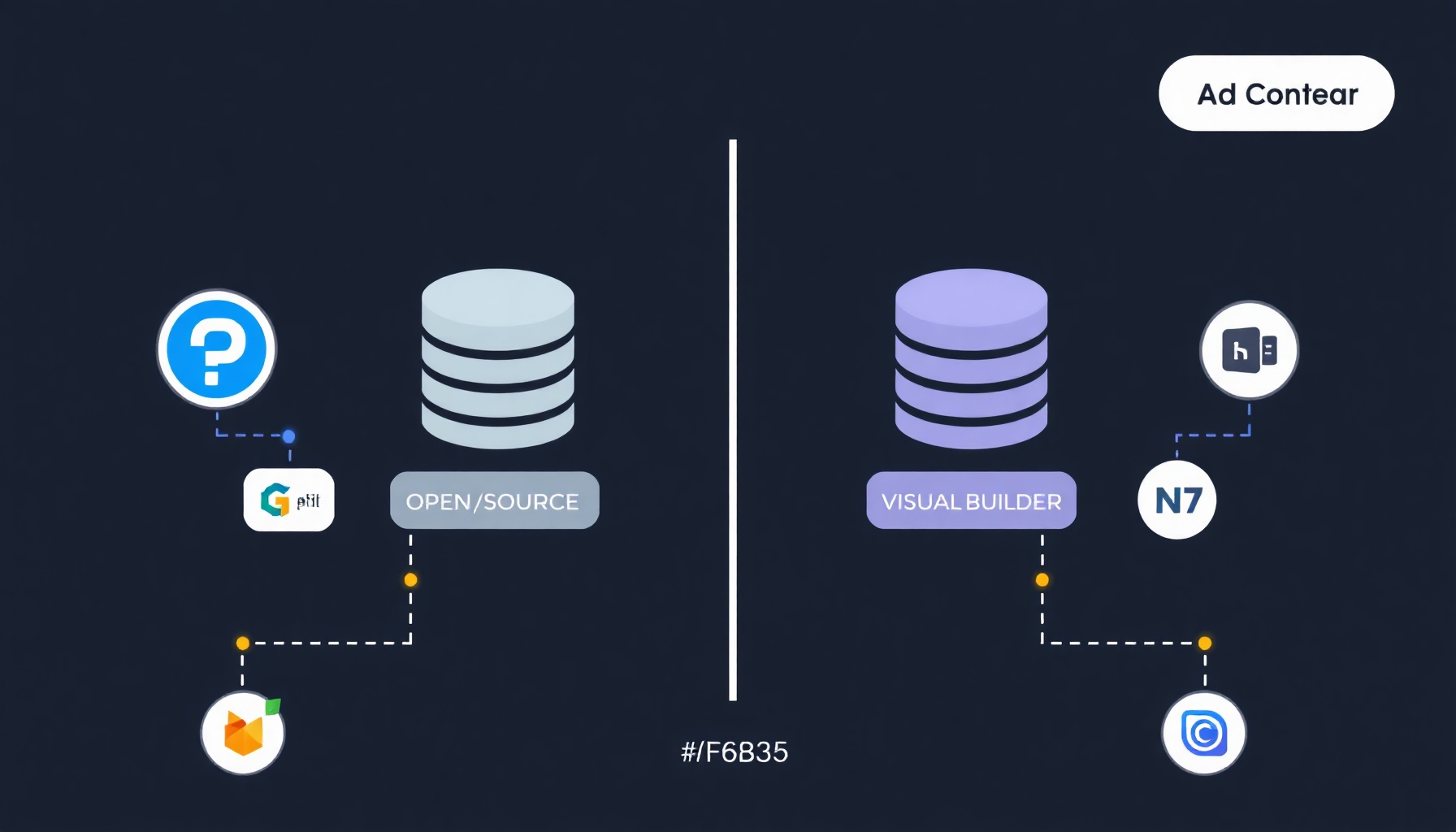
Supabase is open-source and PostgreSQL-native, meaning you get raw SQL access, while Xano abstracts the database behind a visual API builder so you never write a query. Both use PostgreSQL under the hood, but the experience is completely different. Supabase gives you a SQL editor, table views, and direct database control; Xano gives you a drag-and-drop API builder, auto-generated OpenAPI docs, and visual data modeling.
Database: Supabase provides full PostgreSQL access with a SQL editor and direct table management (Supabase docs). Xano also uses PostgreSQL but hides it behind a visual schema designer — you define tables and relationships with clicks, no SQL required (Xano docs).
API builder: Supabase auto-generates REST and GraphQL APIs from your schema, but you write Postgres functions for custom logic (Supabase docs). Xano’s core strength is its visual API builder with a step-by-step workflow editor, plus auto-generated OpenAPI docs (Xano docs).
Auth: Supabase has built-in auth with email, OAuth, and 50K free MAU on the free plan (Supabase pricing). Xano also provides built-in authentication using JWE tokens, with session management and endpoint security configured through its visual interface (Xano authentication guide).
Realtime: Supabase has native realtime subscriptions via websockets (Supabase docs). Xano also offers realtime functionality through a websocket server that maintains persistent connections for live data updates (Xano realtime docs).
AI capabilities: Supabase supports pgvector for embeddings and AI workflows directly in PostgreSQL (Supabase docs). Xano includes a built-in MCP and AI agent builder, plus AI workflow nodes for connecting to external LLMs (Xano pricing).
Migration and Data Import
Moving an existing app into either platform is a documented, mostly self-serve process, but the mechanics differ in ways that matter on day one.
Importing into Supabase. Supabase lets you import CSV files directly from the Table Editor, and for larger datasets you can restore a full PostgreSQL dump or run SQL INSERT statements in the SQL editor (Supabase docs). Because Supabase is plain PostgreSQL, any Postgres-compatible export — from Heroku Postgres, AWS RDS, or a local pg_dump — loads with minimal transformation. That same compatibility means you can point external BI tools like Metabase or Grafana straight at the database.
Importing into Xano. Xano provides a visual data import flow for CSV files and lets you create records through its API builder, which is useful when you are pulling from another backend (Xano docs). The visual schema designer maps your columns to fields, so non-technical team members can handle the migration without writing SQL. For messier data, Xano’s workflow nodes can transform records as they are imported.
Schema design differences. The biggest migration gotcha is relational modeling. In Supabase you define foreign keys and joins in the SQL editor or table editor; in Xano you create relationships with clicks and reference related records through lookup fields. If you are moving from a relational database to Xano, expect to rework many-to-many relationships into Xano’s model. If you are moving from Xano to Supabase, exported records land as flat tables and you will re-add foreign keys yourself.
Auth and file storage. Neither platform migrates users automatically. Supabase auth users live in its internal auth.users table, and Xano auth users live in its own user table, so you will need to reset passwords or script a custom import. File storage also does not transfer: Supabase Storage uses S3-compatible buckets, while Xano stores files on its own infrastructure — plan to re-upload or script a transfer.
Performance, Scaling, and Lock-In
Both platforms can handle a real product, but their scaling stories and lock-in profiles are nearly opposites.
Scaling with Supabase. Supabase scales vertically: you add compute, storage, and egress by upgrading plans, and Pro customers can enable read replicas and connection pooling to handle more concurrent traffic (Supabase docs). Because it is open source, you can also self-host the entire stack on your own infrastructure if you outgrow the hosted service or want to avoid vendor lock-in entirely — at the cost of running and patching your own database.
Scaling with Xano. Xano’s Essential tier runs on dedicated infrastructure, and higher tiers add CPU and memory, with a 99.99% SLA on Pro at $224/mo (Xano pricing). The trade-off is lock-in: Xano is proprietary, and there is no supported self-hosting option below Enterprise, so your data model, workflows, and API endpoints live inside Xano’s platform.
Lock-in is the real cost. Supabase’s PostgreSQL foundation means you can theoretically walk away with a standard database dump and run it anywhere Postgres runs. Xano’s visual workflows are the value — and the lock-in — because those workflows do not export as portable code. If a future team might need to leave the platform, factor that into the decision now.
Pros and Cons
| Supabase | Xano |
|---|---|
| Pros | Pros |
| Open-source, self-hostable for free (Supabase pricing) | Visual API builder — no SQL needed (Xano docs) |
| Pro plan at $25/mo is 3.4x cheaper than Xano’s $85/mo | SOC2/ISO/GDPR included at $85/mo, not $599/mo (Xano pricing) |
| Raw SQL access for complex queries | Auto-generated OpenAPI docs |
| Native realtime and auth | Dedicated infrastructure at Essential tier |
| Cons | Cons |
| SOC2 requires $599/mo Team plan (Supabase pricing) | 3.4x more expensive at entry production tier (Xano pricing) |
| Free plan pauses projects after 1 week inactivity (Supabase pricing) | Not open-source; no self-hosting below Enterprise |
| Steeper learning curve for non-developers | Visual builder limits custom code flexibility |
Which Should You Choose? Decision Guide
Use this quick checklist instead of re-reading the whole comparison:
- Choose Supabase if you are comfortable writing basic SQL, want the lowest production price ($25/mo vs $85/mo), need full database control, or want the option to self-host later (Supabase pricing).
- Choose Xano if you want zero SQL, need SOC2/GDPR compliance without a $599/mo plan, or want dedicated infrastructure at the entry production tier (Xano pricing).
- Either way, both platforms give you PostgreSQL, authentication, realtime, and AI-building capabilities — your constraint is almost always team skill and compliance, not raw features, so prototype on both before committing your architecture (Supabase docs, Xano docs).
Verdict
For most projects, Supabase is the winner. It costs $25/mo at its production tier versus Xano’s $85/mo, and it gives you raw PostgreSQL access, built-in auth, realtime, and pgvector for AI — all in one open-source package. If you’re a developer or a no-coder who’s willing to learn basic SQL, Supabase is the clear choice. For more on Supabase-style tools, see our Make review covering automation platforms that pair well with either backend.
Pick Xano if you are a non-technical builder who needs SOC2 or GDPR compliance without paying for Supabase’s $599/mo Team plan. Xano’s Essential tier at $85/mo includes those certifications and a visual API builder that requires zero SQL knowledge. Xano is also the better fit if you need dedicated infrastructure or a 99.99% SLA, which is only available on its Pro tier at $224/mo (Xano pricing).
FAQ
Is Supabase free for beginners?
Yes. Supabase’s free plan includes 500MB of database storage, 50K monthly active users, and 5GB of egress at $0/mo (Supabase pricing). The main catch is that projects are paused after one week of inactivity, so you’ll need to log in regularly or upgrade to Pro at $25/mo for always-on availability.
Does Xano require SQL knowledge?
No. Xano is designed as a no-code backend with a visual API builder — you define data models, create API endpoints, and build workflows using a drag-and-drop interface (Xano docs). You never need to write SQL queries. This is the key difference from Supabase, which gives you a SQL editor and expects at least basic query knowledge for advanced operations.
Which is cheaper for a production app?
Supabase is cheaper. Its Pro plan costs $25/mo for 8GB database, 100K MAU, and 250GB egress (Supabase pricing). Xano’s equivalent Essential plan costs $85/mo (Xano pricing). However, if you need SOC2 compliance, Xano’s Essential plan is cheaper than Supabase’s Team plan at $599/mo — so the “cheaper” answer depends on your compliance requirements.
References
[1] Supabase pricing [2] Xano pricing [3] Supabase docs
📖 Related Reads
- ToolBrain — tool reviews, LLM comparisons, and AI workflow guides
- NiteAgent — AI agent development, frameworks, and production patterns
Cross-links automatically generated from NoCode Insider.