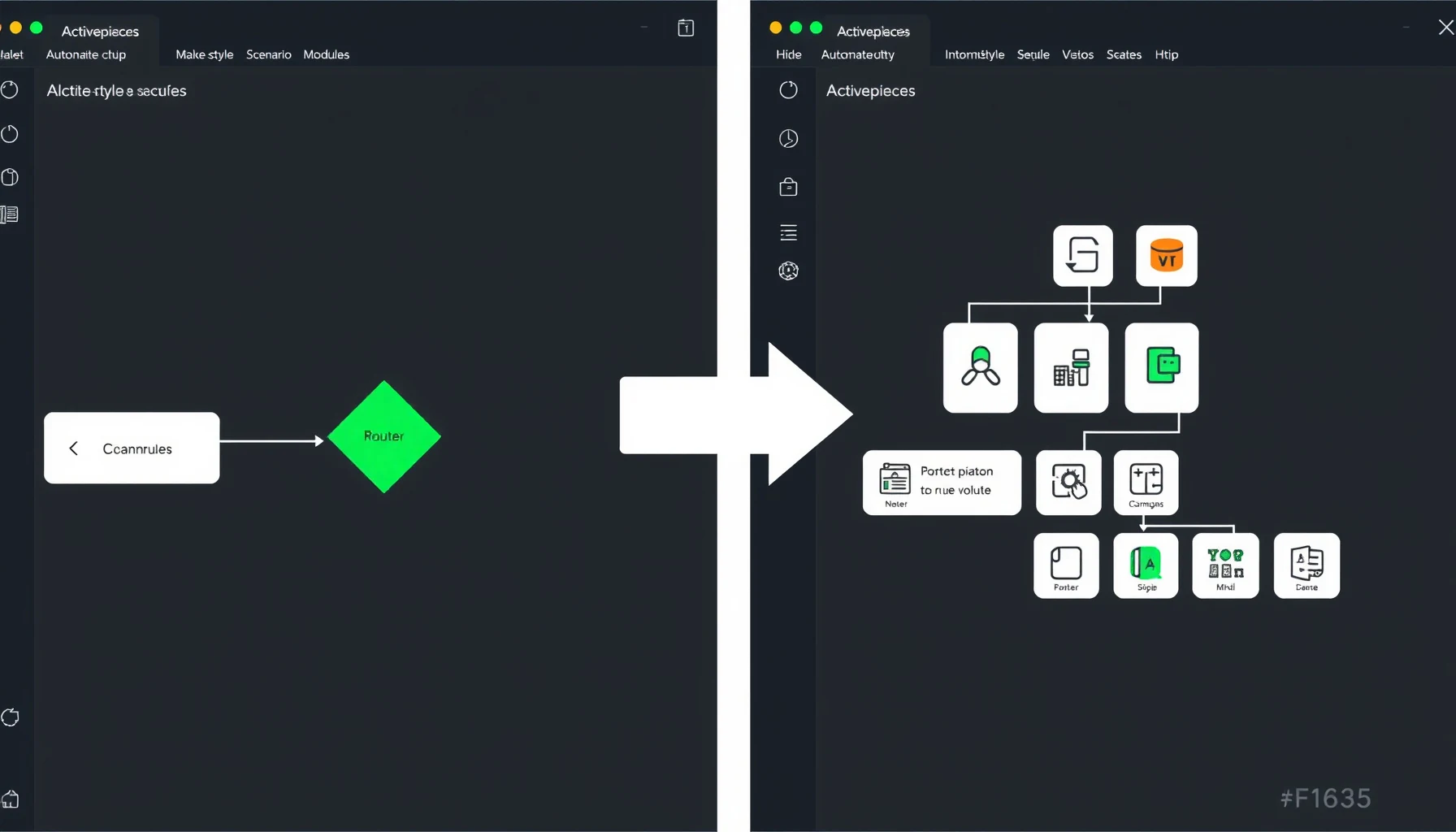
Activepieces vs Make (2026): credits per run, the MIT licence, and a rebuild path you can finish without code
By the NoCodeInsider research desk. This guide is based on official documentation, pricing pages, and community reports — we did not run the tool hands-on.
If you pay Make per module action and your scenarios keep getting longer, the arithmetic gets ugly fast. A 10-module scenario can burn about 8 credits every time it runs on Make, if two of its modules are a Router and an error handler (both free). For a non-developer paying Make per module action, Activepieces charges per run instead of per step, ships its core under an MIT licence, and can be reached with a careful rebuild — not an import — of your existing scenarios.
This guide compares Make’s per-module credit billing with Activepieces’ per-run credits, checks the MIT licence terms, and follows a rebuild path you can finish without code.
Quick answer: is Activepieces cheaper than Make?
For the 10-module scenario running 1,000 times a month that we work through below, Make needs about 8,000 credits per month while Activepieces needs 1,000. The gap comes from billing shape: Make bills each module action, and Activepieces bills the whole run once. The full assumptions are in the cost-math section. One caveat up front: Make’s paid-tier dollar prices are rendered by JavaScript and could not be verified from the official page, so check Make’s pricing page directly.
How Make bills you: credits per module action
As of August 27, credits are Make’s billing unit. Credits replaced “operations” as the term, and for non-AI apps 1 operation equals 1 credit (Make credits docs). An operation is a module run, and a module runs once for each bundle it processes (Make operations docs). A longer scenario therefore costs more per run, and a module that handles many items multiplies that cost.
A few structural details matter:
- Free tier: 1,000 credits per month.
- Free modules: Router and the error-handler modules (Rollback, Break, Resume, Commit, Ignore) cost 0 credits (Make pricing FAQ).
- Out of credits: scenarios stop, and incoming webhooks queue until credits return (Make pricing FAQ).
- Extra credits: expire after one month on monthly plans (Make pricing FAQ).
- Usage allowance: per 10,000 credits you get 5 GB of data transfer and 10 MB of data storage (Make pricing FAQ).
That last point matters for anyone moving bulk data. The storage allowance scales with credits, so a high-volume, file-heavy automation can run into storage limits before it runs into credit limits.
How Activepieces bills you: credits per run
Activepieces charges one credit per run, regardless of step count (Activepieces pricing). A 2-step flow and a 40-step flow cost the same per run. The Free plan is $0 with 1,000 credits, but those credits reset daily, and runs past the quota wait for the next day. Plus is $20 a month flat, with 10,000 credits that reset monthly and $0.007 per credit in overage. Team is $200 a month flat, with 50,000 credits and 25 users (Activepieces pricing).
AI steps bill separately: 2 credits for a fast model, 10 for a smart model, and 20 for a frontier model. On Plus and above you can bring your own AI keys, which drops each AI step to 1 credit (Activepieces pricing).
The daily reset is the catch. Treating the 1,000-credit free allowance as production-grade is fragile, because a spike on one day can stall your automations until the next.
The cost math: one scenario, two billing models
Here is the worked example, with every assumption stated:
Assumptions:
- One scenario with 10 modules in total.
- One of those modules is a Router and one is an error handler. Both cost 0 credits on Make.
- That leaves 8 billable module actions per run.
- Each billable module processes one bundle per run. If a module handles more items, Make counts an operation per item, and this estimate is too low (Make operations docs).
- The scenario runs 1,000 times per month.
- No AI steps on either side.
- One credit per run on Activepieces, regardless of step count.
Make: 8 billable actions × 1,000 runs = 8,000 credits per month. That exceeds the free 1,000-credit allowance, so you would need a paid plan. Make’s paid-tier dollar prices are rendered by JavaScript and could not be verified from the official page, so check the pricing page for current numbers.
Activepieces: 1,000 runs × 1 credit = 1,000 credits per month. That equals the Free plan’s 1,000-credit allowance, which resets daily; runs past the quota wait for the next day. Plus ($20 a month flat) covers it with 10,000 credits.
| Plan | Credits needed | Monthly cost | What breaks at the limit |
|---|---|---|---|
| Make (10-module scenario) | 8,000 | Check pricing page (JS-rendered, unverified) | Scenarios stop; webhooks queue |
| Activepieces Free | 1,000 | $0 | Daily reset; runs wait for the next day |
| Activepieces Plus | 1,000 | $20/mo flat | 10,000 credits, then $0.007 per credit overage |
AI steps change the math
If your flows use AI, per-step billing matters more. On Activepieces, one fast-model AI step per run at 1,000 runs per month adds 2,000 credits on top of the 1,000 base-run credits, for 3,000 total. With BYO AI keys on Plus, each AI step drops to 1 credit, so the total falls to 2,000 credits, still inside the 10,000-credit Plus allowance (Activepieces pricing).
| AI step | Credits (standard) | Credits (BYO AI keys, Plus and up) |
|---|---|---|
| Fast model | 2 | 1 |
| Smart model | 10 | 1 |
| Frontier model | 20 | 1 |
The licence check: what MIT actually covers
Activepieces is open source, but not uniformly. According to the LICENSE file, content outside packages/ee/ and packages/server/api/src/app/ee/ is MIT Expat, copyright 2020–2024 Activepieces Inc. The enterprise-edition directories carry their own licence, defined in packages/ee/LICENSE. The project’s licensing page states the same split: the core is MIT, and enterprise and cloud edition features are under a commercial licence.
In plain terms, the core automation engine is MIT, so you can run it, modify it, and use it commercially. Features that live in the EE directories are different. Activepieces’ licence docs say that using those features on a self-hosted instance requires an Activepieces license. Do not assume that “open source” means every feature is free.
The migration path: a rebuild, not an import
No verified official Make-to-Activepieces importer exists as of October 2026; none appears in Activepieces’ docs index. Migration means rebuilding each scenario by hand in Activepieces. Budget time for each scenario, and expect the complex ones with many mappings to take longest.
Here is the 8-step path:
- Inventory your scenarios. List every Make scenario, its trigger type, and roughly how often it runs. Flag the ones worth migrating first.
- Write down each scenario’s spec. For every scenario, note its modules, field mappings, filters, and error handling. Your notes are the reference for the rebuild.
- Create the flow. In Activepieces, build the equivalent flow piece by piece from your notes. Activepieces also offers Tables for storing data inside the platform, with CSV import and export.
- Recreate mappings. Re-enter every data mapping field by field. This is the most tedious step and the easiest to get subtly wrong.
- Handle branches and errors. Rebuild each Router as Activepieces branching, and set up error handling yourself. Check the behaviour your scenario relies on, because the two platforms do not handle errors identically.
- Test with real sample data. Run each rebuilt flow against actual payloads, not test dummies, and check every mapped field.
- Run in parallel. Keep the Make scenario live while the Activepieces version runs alongside it. Compare outputs over a week or two before you trust the new flow.
- Cut over. Disable the Make scenario, point any webhooks at the new flow, and archive your notes.
Self-hosting: when free is actually free
The core can be self-hosted with one command: curl -fsSL https://get.activepieces.com | sh (install docs). The Docker Compose install needs Docker Compose v2 and at least 2 vCPU and 4 GB of RAM. It runs on port 8080 by default, and you can confirm it is alive with curl http://localhost:8080/api/v1/health (Docker Compose install guide).
Two details matter for a self-hoster. First, the install writes an .env file with your secrets, and without AP_ENCRYPTION_KEY stored connections cannot be decrypted, even from a full database backup. Back up that file. Second, your flows and history live in the postgres_data Docker volume, not in the install folder (Docker Compose install guide).
Every plan on the pricing page is also available self-hosted. A fresh install runs on the free plan by default (enterprise license docs).
When self-hosting is NOT cheaper
Free software still costs time and infrastructure. Activepieces’ own production setup guide sizes a deployment for 50 concurrent flows at 50 worker containers (25 vCPU / 50 GB) plus 5 app containers, alongside managed Postgres, Redis, and S3 object storage in the same region. That is a server-and-operations project, not a weekend install.
Beyond hardware, you carry three costs yourself:
- Time: you do the install, the debugging, and the maintenance yourself.
- Backups: nobody else snapshots your database. Lose the Postgres volume and you lose your flows and run history.
- Updates: you own the upgrade path. Activepieces documents an upgrade command, but you still have to back up first and review breaking changes.
If you do not already run a server, the $20 a month Plus plan is likely cheaper in real terms than self-hosting.
When you should stay on Make
Switching takes work. Stay on Make if any of these apply:
- Your volume fits the free tier. If you use well under 1,000 credits a month, Make’s free plan includes 1,000 credits per month, and migration buys you nothing at that volume.
- You depend on Make-exclusive modules. Make lists more than 1,000 standard app integrations (Make pricing FAQ). Check that each app you need has an Activepieces piece, or a working HTTP or webhook route, before you plan a rebuild.
- Your team is bigger than five people. Activepieces’ Free and Plus plans cap at 5 users, while Team ($200 a month) includes 25 (Activepieces pricing). Price the Team plan against your current Make setup before you move.
FAQ
Does Activepieces have an importer for Make scenarios?
No verified official importer exists as of October 2026. Migration is a manual rebuild following the 8-step path above. Write down each scenario’s spec from Make, recreate the mappings and error handling in Activepieces, and test with real sample data before you cut over. See the Activepieces docs index for current feature coverage.
Can I use the MIT core commercially?
Yes, for the core. The LICENSE file applies MIT Expat to everything outside packages/ee/ and packages/server/api/src/app/ee/, so commercial use, modification, and self-hosting of the core are permitted. The enterprise-edition directories are different: they carry a commercial licence, and using them on a self-hosted instance requires an Activepieces license (licence docs).
Does the Activepieces free plan cover real use?
Partly, with a caveat. The Free plan gives 1,000 credits, but they reset daily, and runs past the quota wait for the next day (Activepieces pricing). Light, steady automations fit inside 1,000 credits, and anything past the quota waits for the next day. For dependable production volume, Plus at $20 a month with 10,000 monthly credits is the realistic starting point.
📖 Related Reads
- ToolBrain — tool reviews, LLM comparisons, and AI workflow guides
Cross-links automatically generated from NoCode Insider.