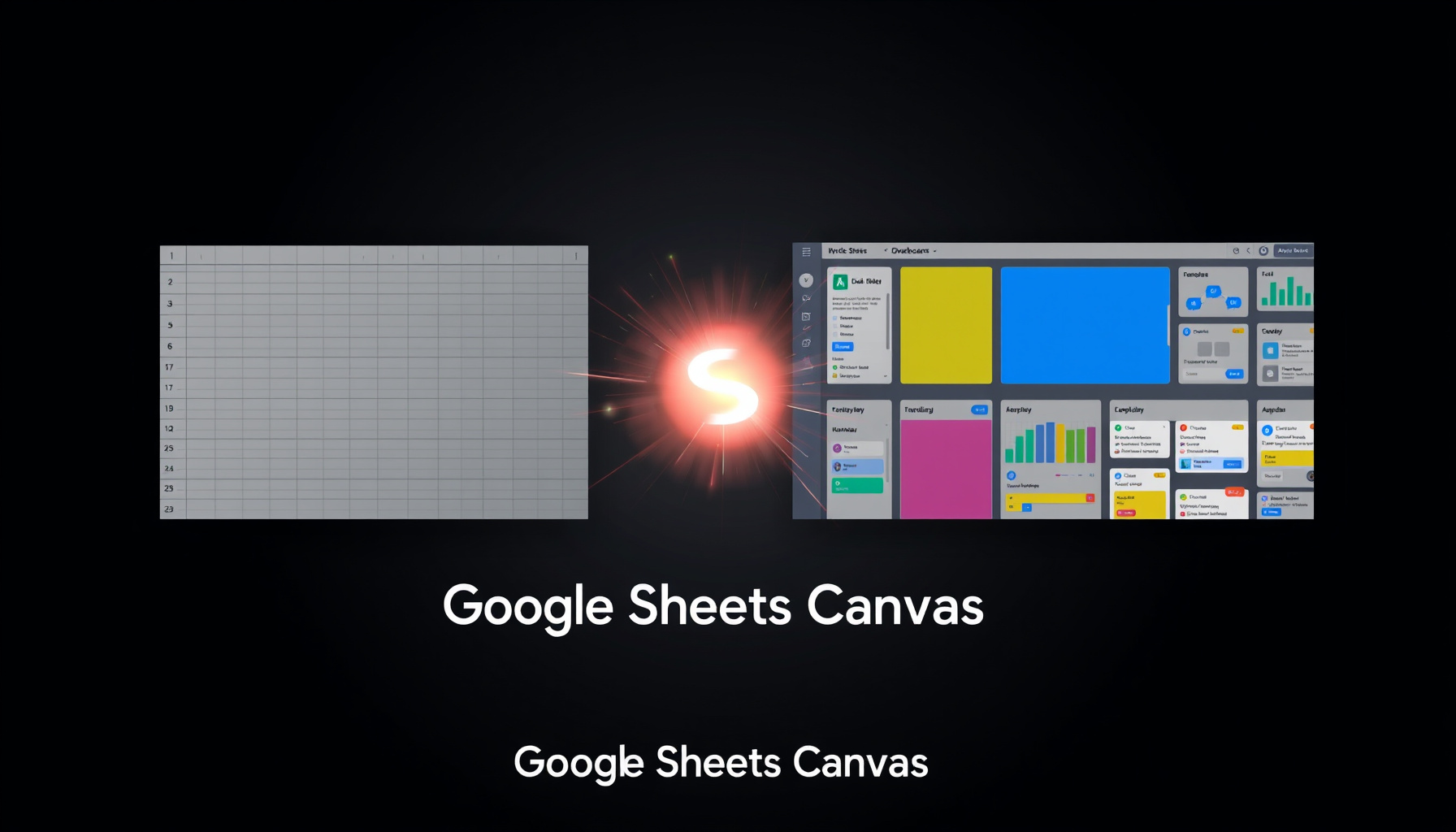
Google Sheets Canvas Turns Spreadsheets Into Mini-Apps
Google Sheets Canvas Turns Spreadsheets Into Mini-Apps
Google just announced a new feature called Google Sheets Canvas that fundamentally changes what a spreadsheet can do. For non-developers building with no-code and AI tools, this means the pipeline from raw data to a custom, interactive tool just collapsed into a single, familiar interface.
How This Was Verified
This report is based on primary sources from Google. The announcement date, core feature description, and specific availability tiers were verified via the official Google Workspace Updates blog and the Google Product Blog. These sources confirm the launch details and functionality. Secondary confirmation came from reporting by TechTimes and Android Authority. What has not been independently confirmed includes hands-on performance benchmarks, the full library of available templates, or detailed latency specifications for the two-way data sync. Last verified: August 2026.
The News
On Thursday, August 13, 2026, Google announced Google Sheets Canvas, a new Gemini-powered feature for its spreadsheet application. It is rolling out globally in English and allows users to transform static spreadsheet data into custom, interactive “mini-apps” such as dashboards, Kanban boards, and trackers. This is a significant shift from spreadsheets being a static data repository to becoming a platform for building lightweight applications directly within a tab.
The rollout follows Google’s established pattern of putting its most useful Gemini features inside paid Workspace and AI subscription tiers rather than the free consumer layer. For teams that already run operations on spreadsheets, the feature removes one of the first reasons to shop for a dedicated app builder, because the app layer now lives where the data already lives Google Workspace Updates.
What is Google Sheets Canvas and how does it work?
Google Sheets Canvas is a new mode within Google Sheets that uses generative AI to convert your spreadsheet data into interactive applications. You start with a standard spreadsheet containing your data. Then, by opening the Canvas tab and describing what you want to build in plain English (like “build a project tracker with a Kanban view and a summary dashboard”), Gemini generates a functional mini-app. This mini-app lives as a separate tab within the same Google Sheets file, ensuring it stays directly connected to your source data. Any changes made in the interactive mini-app sync back to the underlying spreadsheet cells in real time, and vice-versa. These mini-apps are also shareable with collaborators, allowing for lightweight, collaborative tools without writing a single line of code or formula.
In practice, that means the same sheet can power several different views without duplicating data. A task log can render as a Kanban board for day-to-day work and as a summary dashboard for weekly reviews; a customer list can become a tracker, a pipeline view, or a seating chart depending on the prompt Google Workspace Updates. Because every mini-app reads from the same source tab, updates flow in both directions instead of living in a disconnected copy. The mental model to hold onto: Canvas does not copy your data into an app — it draws a live interface over the data you already maintain Google Product Blog.
Why This Matters for No-Code Builders
This move is significant because it directly collapses the pipeline between a data store (a spreadsheet) and a custom application interface. Historically, a no-code builder would use a tool like Airtable or AppSheet to create an app interface for spreadsheet-like data. Now, Google is embedding that capability directly into Sheets using AI. This intensifies the no-code consolidation wave we’ve been tracking, putting pressure on dedicated database-app tools by offering a “describe your app” workflow to millions of existing Google Workspace users. It also raises the question of whether no-code is dead or simply evolving into more integrated AI-assisted environments.
The underlying shift is generational: tools are moving from “where you build” to “where your data lives,” with AI handling the interface work. For non-developers, that removes a whole category of “which tool should I pick” decisions — you start from the data you already own, describe the view you want, and get a working app in return. The spreadsheet stops being a staging area for a future app and becomes the app itself.
Google Sheets Canvas vs Airtable and AppSheet
For anyone choosing where to build a lightweight app, the honest comparison is not feature-for-feature — it is where the data already lives. Canvas starts from a spreadsheet and turns it into interactive views, which makes it a natural fit when your team already maintains the source of truth in Sheets Google Product Blog. Airtable-style database tools still win when you need relational data models, linked record types across multiple tables, or granular permissions — the kind of structure a flat sheet cannot express. AppSheet remains the option for mobile-first apps and complex business logic, which is a different job than generating a nicer view of a grid.
The short version: Canvas covers the “nicer view of a spreadsheet” layer of the market, and the bar for needing a dedicated platform just got higher. If your app today is a dashboard or tracker sitting on top of a sheet, Canvas is a credible alternative — if your app needs real data modeling or production mobile delivery, the specialized tools still earn their subscription.
Who Gets Access and What It Costs
Access to Google Sheets Canvas is tiered. It is available to Google Workspace business and enterprise customers, as well as individual subscribers to Google AI Pro and Google AI Ultra plans. Critically, it is not available to users on free personal Gmail accounts. This positions Canvas as a premium feature aimed at professional and business users who are already within the Google ecosystem and paying for higher-tier services.
Google has not published per-region pricing changes or a precise list of which Workspace editions receive the feature first; the announcement confirms business and enterprise customers plus AI Pro and AI Ultra subscribers, with rollout starting in English Android Authority. If you are on a Workspace Business plan, the fastest way to find out whether you have access is to open a sheet and look for the Canvas entry point.
Who Benefits Most
Operations teams, project managers, and small-business owners who live in spreadsheets will see the most immediate benefit. For example, a marketing team tracking campaigns in a sheet could instantly generate a shared Kanban board and performance dashboard without leaving Google Sheets or learning a new tool. The primary “losers” are likely lightweight use cases of dedicated no-code database tools like Airtable or simpler AppSheet projects. Users who need complex database relationships, automations, or mobile app publishing may still require those specialized platforms, but the bar for needing them just got higher.
A concrete example: a field-service company that tracks jobs in a sheet could turn it into a Kanban board for dispatchers and a dashboard for managers in the same file, without buying a separate project-management subscription Google Workspace Updates. A nonprofit keeping donor records could generate a summary view for its board with one prompt. The common thread is people who already live in spreadsheets and need a better window on the same data — not people who need a full application platform.
How to Get Started With Google Sheets Canvas
These steps are based on Google’s official announcement and documentation — we have not tested the feature hands-on yet. The workflow below follows the product description in Google’s announcement; exact icon placement and prompt bar behavior may vary by account tier and rollout wave Google Product Blog.
- Ensure you have a Google Workspace account (Business Starter/Standard/Plus, Enterprise) or a personal Google AI Pro or Ultra subscription.
- Open an existing Google Sheet with data or create a new one and populate it with the information you want to visualize.
- Look for a new “Canvas” tab or icon within the Google Sheets interface. If you don’t see it, your account may not yet have access or it might not be available for your plan.
- In the Canvas interface, type a plain-English description of the mini-app you want to build. Be specific about the views (e.g., “dashboard with pie charts,” “kanban board grouped by status,” “form for data entry”).
- Review the generated mini-app preview. You can iterate by providing follow-up prompts to adjust the layout, add features, or change visualizations.
- Once satisfied, save or publish the Canvas tab. The interactive mini-app will now be accessible alongside your original data sheet.
- Share the Google Sheet file as usual. Collaborators with access will be able to view and interact with the Canvas mini-app tab.
Start small: pick a sheet you already use weekly, ask for one useful view, and see whether the two-way sync matches how your team actually works. The feature is designed so that the cost of experimenting is a single prompt, not a new tool rollout TechTimes.
What This Means for Your No-Code Stack
For a non-developer, the practical question is where Canvas fits alongside the tools you already use. If your workflows run in Google Sheets, Canvas can replace the first layer of tooling — the dashboard, tracker, or board you previously exported to a second product TechTimes. That said, this is consolidation, not replacement: automation platforms and dedicated builders still handle the heavy lifting. If you are evaluating which platforms deserve your time, our no-code tool reviews and no-code guides cover the broader landscape.
The same consolidation forces we tracked in the no-code consolidation wave and in Maia by Make’s launch are now arriving inside the spreadsheet itself. Each of these moves points the same direction: AI is absorbing the “glue” work of turning data into usable interfaces, and the tools that survive are the ones where your data already lives. For builders, the strategy implication is simple — keep your data portable, and treat every new interface layer as a commodity you can switch away from.
What to Watch Next
The rollout is still in its early weeks, so the details that matter most — how well two-way sync holds up on large sheets, what the template library looks like, and whether Google extends Canvas beyond Workspace business and AI subscription tiers — are not yet settled. Google has not announced pricing changes or staggered rollout dates beyond the global English launch Android Authority. If you are on a free Google account, this is a reminder that the most interesting AI features are increasingly landing behind paid tiers, and that the spreadsheet-to-app gap is closing faster than most teams expect.
Takeaway
Google Sheets Canvas represents a major step in making app creation accessible to anyone who can describe what they want. By embedding AI-powered app generation directly into the world’s most popular spreadsheet, Google is simplifying the journey from raw data to interactive tool, likely reshaping expectations for productivity software and pressuring the standalone no-code app market. If you already pay for Workspace or a Google AI plan, your next app may be one prompt away.
FAQ
Is Google Sheets Canvas available on free Google accounts?
No, Google Sheets Canvas is not available for free personal Gmail accounts. Access requires a Google Workspace business or enterprise subscription, or a paid Google AI Pro or Google AI Ultra subscription, as outlined in the official announcement.
Can Google Sheets Canvas replace AppSheet?
For simple data entry forms, dashboards, and kanban boards, it may cover many use cases currently handled by basic AppSheet projects. However, AppSheet still offers deeper functionality for complex business logic, multi-table app structures, and native mobile app publishing that Canvas does not yet match.
Does Google Sheets Canvas require knowing spreadsheet formulas?
No. The core promise is that you build the interactive mini-app by describing what you want in plain English. While the underlying spreadsheet might still contain formulas, the Canvas feature itself is designed to abstract that complexity away using Gemini AI.
Sources
- Google Workspace Updates Blog: Use Google Sheets Canvas to visualize data
- Google Product Blog: Sheets Canvas for Google Sheets spreadsheets
- TechTimes: Google Sheets Canvas Launches, Turns Any Spreadsheet Into Live Airtable-Style Apps
- Android Authority: Google Sheets Gemini Canvas
📖 Related Reads
- ToolBrain — tool reviews, LLM comparisons, and AI workflow guides
- CodeIntel Log — code quality, debugging, and software engineering benchmarks
Cross-links automatically generated from NoCode Insider.