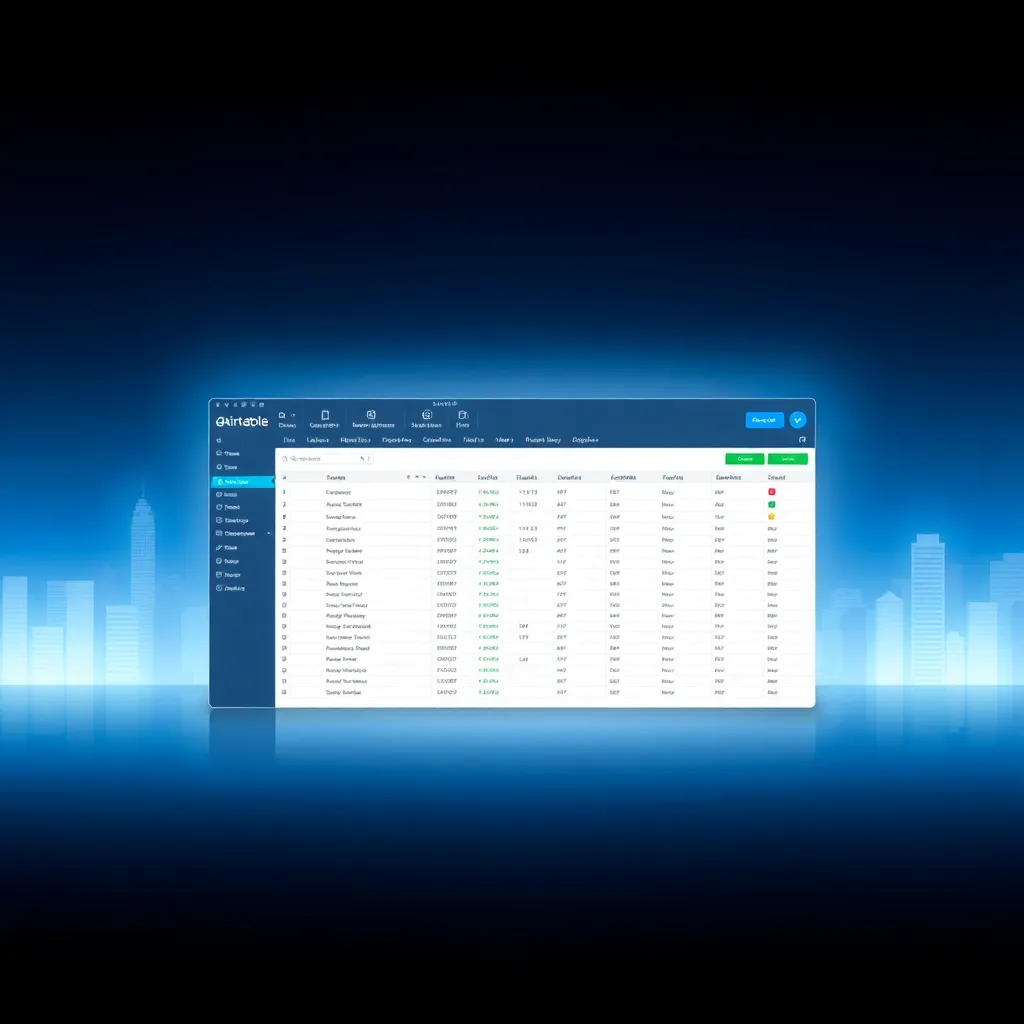
Airtable Review 2026: AI Agents, Spreadsheet-Database Hybrid, and the Best No-Code Data Platform?
Airtable Review 2026: AI Agents, Spreadsheet-Database Hybrid, and the Best No-Code Data Platform?
The Data Platform Problem in 2026
Every non-developer hits the same wall: spreadsheets are too loose, databases require SQL. Google Sheets works for 500 rows, but break the moment you need to link customer records to orders or build a dashboard that doesn’t break when someone sorts a column. Traditional databases require a developer.
Airtable solved this gap in 2012 by creating the spreadsheet-database hybrid — the familiarity of a grid with the relational power of a database. After a June 2025 “refounding” (source), it has transformed into an AI-native app platform with three GA products. This review covers what works, what costs, and who should build on it.
What Is Airtable?
You build bases (databases) containing tables (spreadsheet tabs) with fields (columns) in 20+ types — text, numbers, dates, linked records, rollups, attachments, ratings, currencies, barcodes. The killer feature is linked records — connect customers to orders without VLOOKUP formulas. Views let you render the same data as a grid, calendar, Kanban, gallery, form, or Gantt chart, each with its own filters.
Over 500,000 organizations use Airtable, including 80% of the Fortune 100 (source).
The AI Transformation
Airtable’s June 2025 refounding shipped three AI products, all GA in 2026 (source).
Omni — AI App Builder
Omni builds tables, views, interfaces, and automations from natural language. Type “Build a project tracker with tasks, due dates, priorities, and a Kanban view” and it generates the full base with linked records. Building is free — only running data analyses burns credits (~10/query).
AI Field Agents
These are the most impressive feature — autonomous AI cells that trigger on record changes. Five types (source): Classification, Extraction, Content Generation, Web Research, and Sentiment Analysis. Unlike Notion AI (a chatbot overlay you prompt manually), Field Agents fire automatically when new data enters, process it, and write results back to fields — no prompt engineering, no API keys.
MCP Server
The Model Context Protocol Server (Feb 2026) connects Airtable to Claude, ChatGPT, and Cursor — any MCP-compatible AI tool (source). Available on all plans. Your AI coding agent can now search, create, and update your Airtable data directly, with full permission controls.
Airtable vs Notion vs NocoDB
| Dimension | Airtable | Notion | NocoDB |
|---|---|---|---|
| Starting price (paid) | $20/user/mo (Team) | $10/user/mo (Plus) | $0 (self-hosted) |
| Core metaphor | Relational database | Docs + databases | Open-source Airtable alt |
| Records/base | 50,000 (Team) | Unlimited | Unlimited |
| AI features | Omni, Field Agents, MCP | Notion AI (Q&A, writing) | Limited plugins |
| Self-hosted | No | No | Yes |
| Best for | Structured data, workflows | Docs, wikis, notes | Data sovereignty |
Airtable wins on relational depth and AI that processes data (not just answers questions). Notion wins on price and docs. NocoDB wins on self-hosting and unlimited records.
Pricing (July 2026)
| Plan | Per-user/mo (annual) | Records/Base | AI Credits/Mo |
|---|---|---|---|
| Free | $0 | 1,000 | 500/editor |
| Team | $20 | 50,000 | 15,000/billable |
| Business | $45 | 125,000 | 20,000/paid user |
| Enterprise Scale | Custom | ~500,000 | 25,000/paid user |
Watch out for: Per-seat costs compound fast (10 users on Business = $4,500/mo), record limits force upgrades, and AI credits don’t roll over between months (source).
Strengths & Weaknesses
Strengths: Best-in-class relational database for non-developers. Field Agents are genuinely novel — autonomous AI cells that process data without human intervention. MCP Server connects to the full AI ecosystem. The views system (6 types) is unmatched. G2 and Capterra both rate it 4.5/5 (source, source).
Weaknesses: No self-hosted option. Pricing inflates at scale. Record limits feel arbitrary. AI credits reset monthly. Steeper learning curve than a spreadsheet.
Getting Started: Build Your First Base in 10 Minutes
The fastest way to evaluate Airtable is to build something real. Open a workspace, click “Start from scratch,” and name your base — say, “Customer Tracker.”
Step 1 — Create your tables. Start with two: Customers and Orders. Add fields by clicking “Add field”: a single-line text field for customer name, a date field for signup date, a number field for order total, and a select field for status (New, Active, Churned).
Step 2 — Link the tables. Add a “Linked record” field to Orders pointing at Customers. You now have relational data: every order row references its customer without copying names or writing VLOOKUP formulas. Click the linked cell to see the customer’s full record inline.
Step 3 — Add views. Switch from Grid to Kanban via the “View” menu and group by Status — you have a sales pipeline. Add a Calendar view for deadlines and a Form view so teammates can enter data from a clean link without touching the grid.
Step 4 — Automate something. Create an Automation: “When a record’s status changes to Active, send a Slack message to the #sales channel.” Automations trigger on record creation, field changes, or scheduled times — no code required.
Step 5 — Extend with interfaces. Interfaces are custom dashboards: add a chart of revenue by month, a button that marks an order shipped, and a summary field that totals the week’s orders. Non-technical teammates interact with a tailored app instead of the raw grid (Airtable guides).
This flow — two linked tables, three views, one automation, one interface — takes about ten minutes and exercises every core concept you need to evaluate the platform.
Field Agents in Practice: Three Workflows
Field Agents deserve more than a feature bullet. Here are three concrete ways people use them:
1. Triage incoming feedback. A form feeds new entries into a Feedback table. A Classification agent tags each row as Bug, Feature Request, or Praise based on the text, then an Extraction agent pulls out the affected product area. Support teams get a pre-sorted queue instead of a raw dump.
2. Enrich leads. A Web Research agent watches a Leads table. When a new company name appears, the agent looks up the company’s website and writes back summary fields: industry, employee count, and a one-paragraph description. The prospect table fills itself in.
3. Summarize support tickets. A Content Generation agent reads a long, rambling ticket and writes a two-sentence summary into a dedicated field. A Sentiment Analysis agent scores the tone so managers can spot unhappy customers before they churn.
The key difference from a chatbot: these agents run automatically on data changes, process every row that matches their trigger, and write structured results back into the table — nobody has to remember to ask the AI anything (agent docs).
Who Should Move Off Spreadsheets?
Airtable earns its subscription when your data stops fitting a grid:
- You maintain the same list in three places (a sheet, a doc, and someone’s head)
- Multiple people edit the same records and version conflicts keep happening
- Your workflow has stages — leads become customers become orders
- You keep adding columns to track more details about each row
- You want forms, dashboards, and automations around the same data
If that sounds like you, a spreadsheet is costing more in manual upkeep than Airtable’s Team plan costs in dollars. If your data is genuinely a flat list with no relationships, a spreadsheet remains the simpler tool.
Pricing Deep Dive: Where the Costs Hide
The headline plans hide three cost multipliers. Per-seat compounding — the Business plan at $45/user/month means a 10-person team pays $4,500/month before add-ons. Record limits — the Free plan’s 1,000-record cap is hit quickly by real operational data, and the jump to Team’s 50,000 records is a step-change in price, not a smooth curve. AI credit exhaustion — credits reset monthly and burn fastest on Web Research agents, which call external sources on every run. Teams that over-provision seats to avoid limits end up paying for empty licenses; teams that under-provision hit record walls mid-quarter. Practical advice: start on Team, count active editors rather than the whole company, and watch the usage graphs on the billing page before the month resets (source).
The Lock-In Question
The honest objection to any hosted database is: what happens if you leave? Airtable’s answer is export. You can export any table to CSV or Excel at any time, and the API provides programmatic access to records, schemas, and attachments (Airtable API docs). Attachments can be bulk-downloaded. What you lose in a migration is the assembled layer — the views, automations, and interfaces built on top — not the data itself. For most teams the data is the asset that matters, and it stays portable. Teams that want the same relational model without hosted lock-in should evaluate NocoDB or Baserow, both of which import Airtable exports and offer self-hosted deployments.
Common Pitfalls to Avoid
- Modeling everything as one giant table. Airtable rewards breaking data into linked tables; a single 50-column table recreates spreadsheet pain with extra steps.
- Ignoring field types. Choosing “Single line text” for a date or number means you lose sorting, filters, and rollups. Set the right type when you create the field.
- Building automations before the data is clean. Automations run on every matching trigger; messy data produces noisy alerts. Normalize records first.
- Skipping interfaces for teammates. Handing non-technical users the raw grid invites accidental edits. A locked interface view protects the data.
- Forgetting attachment storage. Files in attachment fields count against your base’s storage limit; keep binaries in a file store and reference them by link.
When Airtable Is the Wrong Tool
Be equally clear about when to look elsewhere. If you need complex reporting — multi-table joins, heavy aggregations, or SQL — a real database with a BI layer is a better fit. If your team already lives in Notion and your data is mostly documents, adopting Airtable for the database side creates a two-system split you will have to reconcile. If you are building a customer-facing product where search and data live inside your app, you need an embedded database, not a hosted app platform. And if compliance requires on-premises data, Airtable’s cloud-only model is a dealbreaker — that is the NocoDB use case. Airtable is at its best as an internal operating system for workflows, not as a general-purpose database.
Score: 8.2 / 10
| Dimension | Score | Notes |
|---|---|---|
| Relational features | 10/10 | Linked records, rollups, lookups — best-in-class for non-developers |
| AI capabilities | 9/10 | Omni + Field Agents + MCP Server — strongest AI suite in category |
| Ease of use | 7/10 | Easy to start, linked records take time to learn |
| Pricing & value | 6/10 | Fair for small teams, punishing at scale |
| Lock-in risk | 5/10 | No self-hosted, no code export |
| Integrations | 8/10 | 100+ native + Zapier/Make + MCP Server |
✅ Choose Airtable if…
- You need relational database features without SQL
- You want AI agents that process your data pipeline automatically
- You use Claude/ChatGPT and want direct data connectivity via MCP
- You’re a solo creator or small team on the Team plan
❌ Skip Airtable if…
- You need unlimited records at a fixed price — NocoDB is better
- Compliance requires self-hosted data
- You have 20+ users — per-seat pricing becomes prohibitive
- You primarily need docs and wikis — Notion is cheaper and better
The Bottom Line
Airtable’s 2025-2026 AI transformation is the real deal. Omni makes app creation conversational, Field Agents give your database autonomous AI capabilities, and MCP Server connects it to the broader AI ecosystem. For non-developers who need structured data that does more than sit there, Airtable is the platform to beat in 2026 — just do the pricing math honestly before you commit.
References
[1] source [2] source [3] source [4] source [5] source [6] source
📖 Related Reads
- ToolBrain — tool reviews, LLM comparisons, and AI workflow guides
- NiteAgent — AI agent development, frameworks, and production patterns
- Hermes Tutorials — Hermes Agent setup, configuration, and advanced workflows
Cross-links automatically generated from NoCode Insider.